Set up
Add your knowledge
Step 3 of setup, and optional. Brand guidelines, positioning, a content SOP or an article you were proud of become playbook rules Scout checks every draft against.
Your website says what you sell. It rarely says how you write, who you never write for, or which claims legal will not sign off. Step 3 is where you tell Scout those things, by giving it what is already written down.
The step opens with Anything already written down? and explains itself: Brand guidelines, positioning, your content SOP, an article you were happy with. Scout turns these into playbook rules it checks every draft against.
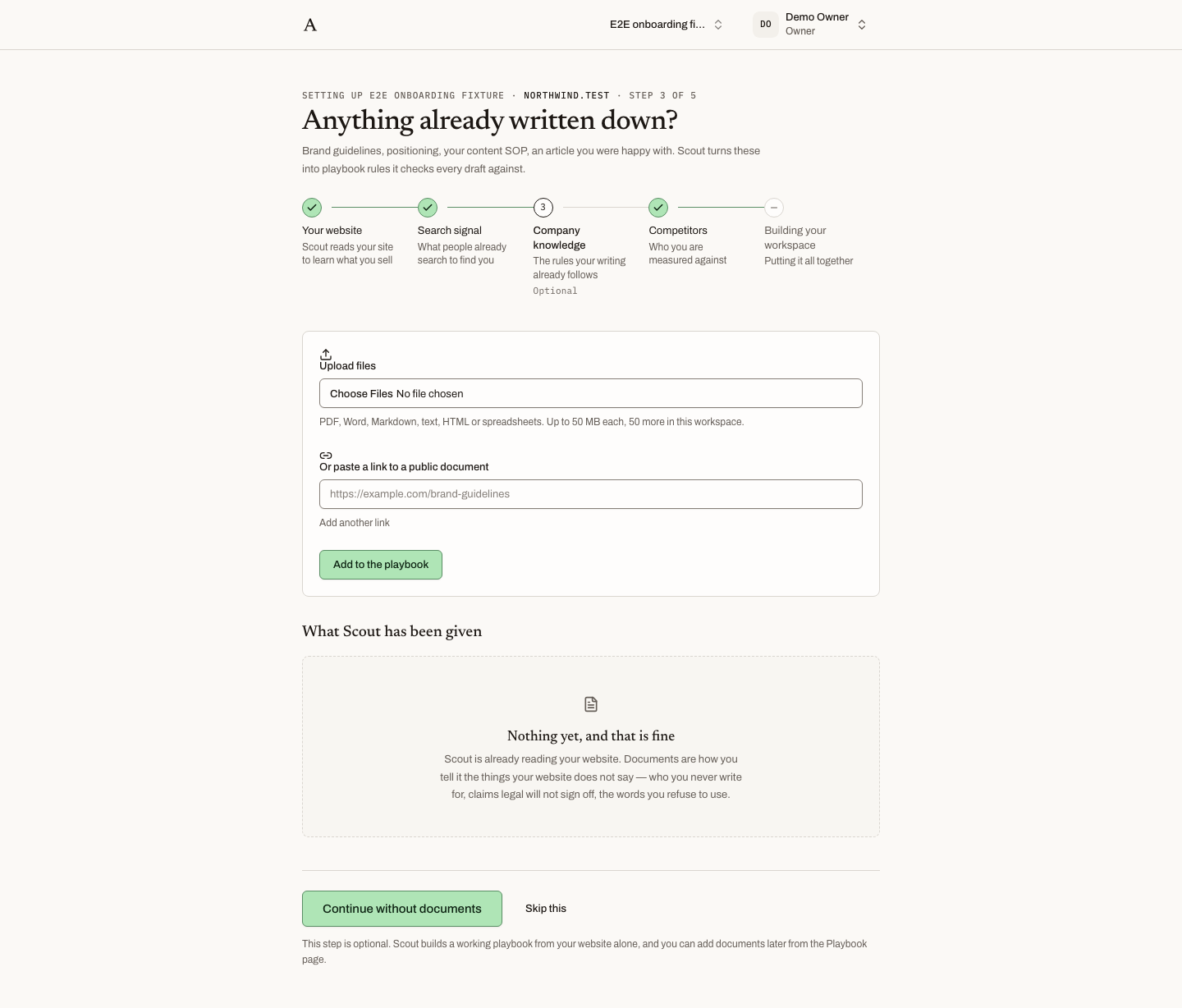 Before anything is added, the page says "Nothing yet, and that is fine".
What you can add
- Files. PDF, Word, Markdown, plain text, HTML and spreadsheets, up to 50 MB each.
- Links. Public document links, one per field, with Add another link to add more.
Press Add to the playbook to submit. Everything you have given Scout appears in the list headed What Scout has been given, each with a Remove control.
A workspace holds up to 50 documents. At the limit the page says: This workspace is holding its limit of 50 documents. Remove one to add another.
What Scout does with it
Scout reads each document and extracts the rules it finds: the voice you write in, the words you avoid, the audiences you serve and the ones you do not, the claims you make and the ones you must not. Each becomes a rule in your playbook, with its provenance attached, so you can see which document it came from and the passage it was read from. Rules from your documents sit alongside the standard editorial rubric every workspace starts with, and every draft is graded against both.
Nothing here is a lock. A rule can be reworded, turned off or deleted from the Playbook at any time.
Skipping it
The step is optional and says so. The empty state is titled Nothing yet, and that is fine, and the footer note reads: This step is optional. Scout builds a working playbook from your website alone, and you can add documents later from the Playbook page.
Skip with the skip button in the stepper, or continue with the footer. Nothing is lost by coming back to this later.
Adding documents later
Open Playbook in the sidebar. The Rules tab is where extracted rules live, and where you add your own. Documents added after setup go through the same reading and produce rules the same way.
What happens next
Step 4 asks you to confirm competitors, the list Scout built while reading your search market.